
Ibotta cashback rewards sound simple—snap a photo of your receipt and get money back. But thousands of users submit receipts every day only to watch their cash back get rejected or disappear entirely. The main culprits are poor receipt image quality, missing information, wrong submission timing, and ineligible items. Understanding what triggers denials is the difference between building a legitimate cashback habit and repeatedly losing rewards you’ve already earned.
Here’s a concrete example of how fast things go wrong: You buy groceries at Kroger, submit your receipt the next day, and notice your pending cash back never appears. Three weeks later, you realize you uploaded the wrong receipt from a different store, missed the 7-day window to dispute it, and now you’ve lost eight dollars you thought you had coming. This scenario repeats for thousands of Ibotta users monthly. The good news is that most rejections are preventable once you know the specific rules.
Table of Contents
- Why Does Ibotta Reject Your Receipts?
- The Problem With Thermal Receipts and Image Quality
- When Ibotta Denies Your Cashback Entirely
- How to Photograph and Submit Receipts Correctly
- Technical Issues That Cause Cashback to Disappear
- Using Ibotta’s Dispute and Claim Process
- The Evolving Landscape of Digital Receipts
- Conclusion
- Frequently Asked Questions
Why Does Ibotta Reject Your Receipts?
Receipts must be submitted within seven days of the purchase date or the system will reject them automatically. This is not a soft deadline—if you wait eight days, you lose the ability to claim that purchase easily. Beyond the timeline issue, the physical quality of your receipt matters tremendously. Your receipt must be clearly readable with no folds, wrinkles, or shadows obscuring the text. Thermal receipts, which most grocery stores use, fade quickly over time. A receipt that looked crisp when you left the store might become too faint to scan properly within a week, especially if you left it in a hot car or a back pocket. Missing or cut-off information is another automatic rejection trigger. Ibotta’s system needs to see the store name, purchase date, total amount, and item details clearly on every submission.
If the top of the receipt is folded over, if the bottom is cut off, or if the items list is illegible, rejection happens immediately. Some users fold their receipts in half before photographing them—a fatal error. Any receipt that is folded, taped, written over, or tampered with gets rejected automatically. The system is strict because Ibotta needs to verify authenticity and prevent fraud. Blurry photos are equally problematic. Shaky hands, poor lighting, or not holding the phone steady enough result in images the system cannot process. This is frustrating because the receipt itself is fine—the problem is entirely on the submission end. Many users don’t realize they need to retake the photo with better lighting and a steady hand before hitting submit.
The Problem With Thermal Receipts and Image Quality
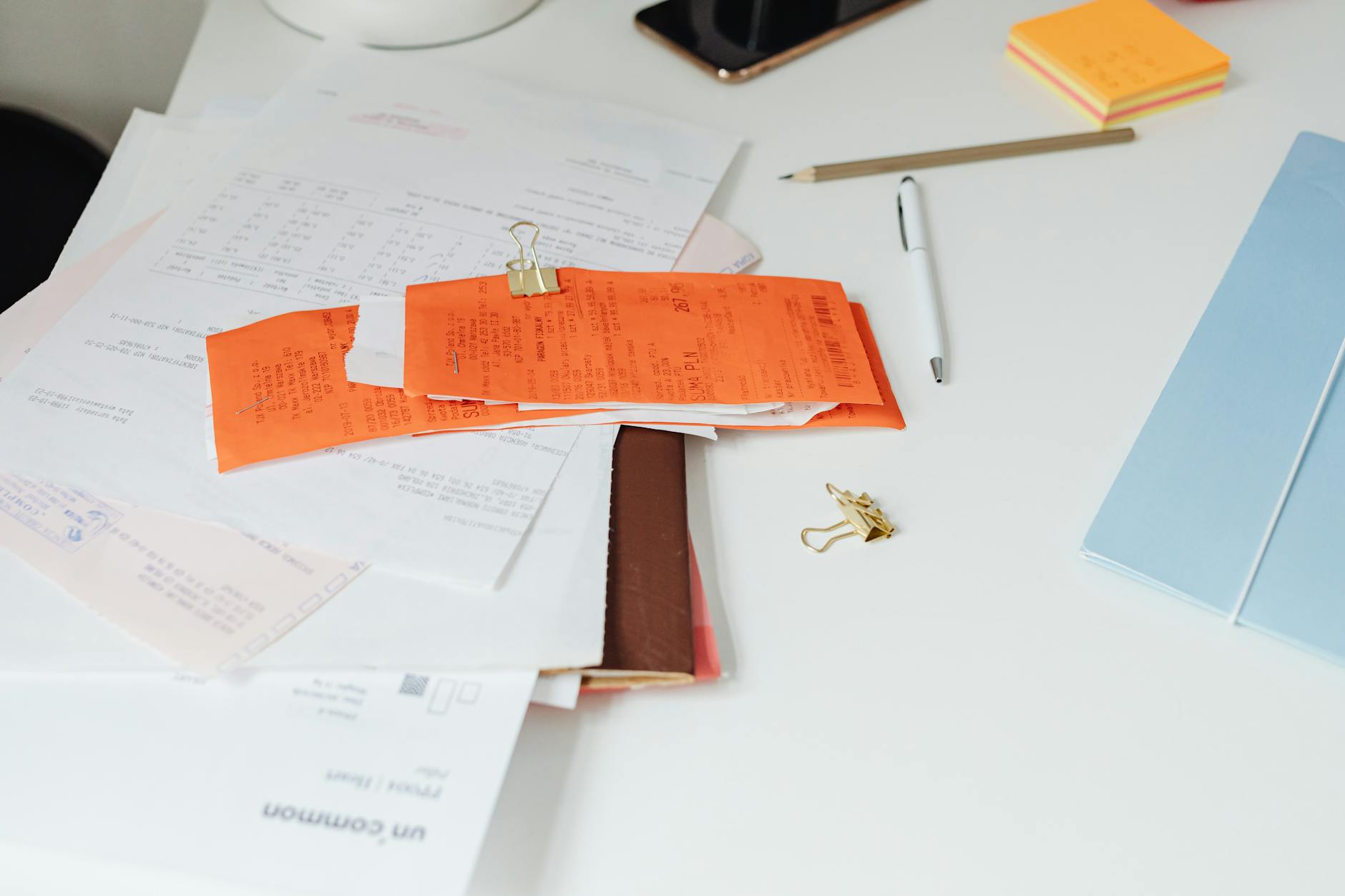
Thermal receipts are the standard at most retailers, but they present a specific problem that many shoppers don’t understand. The ink on these receipts reacts to heat, which means fading happens naturally over time, especially if the receipt gets exposed to warm conditions. Unlike paper receipts, you cannot stop this process once it starts. A receipt that sits on your kitchen counter for five days might become too faint for Ibotta’s optical character recognition system to read, even if it’s still technically within the seven-day window. The limitation here is significant: you cannot reliably depend on thermal receipts from fast-casual restaurants or grocery stores staying readable for the full seven days.
The better approach is to photograph your receipt immediately after purchase or within two days at the latest. This gives you multiple backups if the system rejects your first submission. Some users wait until the weekend to clean out their wallets and submit receipts in bulk—this strategy frequently backfires because the receipts have already faded by then. To make matters more complicated, smartphone cameras and lighting conditions directly impact whether the system can read the receipt. Taking a photo under fluorescent store lighting produces different results than photographing the same receipt at home with natural light. Test your camera by taking photos of old receipts with different lighting setups to see which produces the clearest digital image.
When Ibotta Denies Your Cashback Entirely
Beyond receipt rejection, your cashback can be adjusted, canceled, or reversed entirely if ineligible items appear on the receipt. This is different from a rejected submission—your receipt was accepted and processed, but then Ibotta’s verification team discovered items that don’t qualify for the specific offer you claimed. For example, you might submit a receipt that includes both the branded product the offer required and a store-brand alternative. If you didn’t purchase enough of the qualifying item, the full cashback gets reversed. Submitting an offer receipt at the wrong store is another guaranteed denial. Ibotta offers are retailer-specific. A manufacturer coupon that works at Target might not work at Walmart, and a Whole Foods exclusive might not be accepted at a regular grocery chain.
Users sometimes assume flexibility across stores and submit the wrong receipt. When this happens, the cashback disappears. Always verify which specific store the offer applies to before submitting. Mismatched barcodes create a more subtle problem. You purchased an item with the correct barcode that qualifies for the offer, but the item you scanned or selected in the app doesn’t match the barcode on your receipt. This disconnect causes the system to deny the cashback because it cannot confirm you actually bought the qualifying product. This often happens when users edit their receipt selections after submitting the photo, or when they select a product from the app that’s similar but not identical to what they actually purchased.
How to Photograph and Submit Receipts Correctly
The foundation of avoiding rejection is taking a proper photograph. Position your receipt on a flat, clean surface with good natural or bright white lighting. Ensure the entire receipt is visible in the frame with no parts cut off. If your phone’s camera quality is poor, move closer to the light source before taking the photo. Hold your phone steady—use both hands or rest your elbows on a table to prevent blur. After taking the photo, zoom in on your phone to verify that every word is readable, especially the store name and date. Submit your receipt within two days of purchase rather than waiting until day six.
This gives you a buffer in case the first submission is rejected, and it ensures the thermal ink hasn’t faded yet. Keep physical receipts in a safe place for at least seven days after submission, in case you need to dispute a denial and resubmit with a clearer photo. Many users throw away receipts immediately, which is a mistake—you cannot dispute a missing cashback claim without proof. A major limitation is that Ibotta processes submissions at different speeds depending on the retailer and offer. Some receipts clear within hours; others take the full 72 hours. Do not assume your submission failed if it doesn’t appear within a few hours. Check back after 72 hours before assuming rejection.
Technical Issues That Cause Cashback to Disappear
Outdated apps are a common culprit that many users overlook. If your Ibotta app hasn’t been updated in several months, or if your retailer’s app is outdated, the systems might fail to communicate properly and your cashback won’t credit. Always keep both the Ibotta app and the specific retailer app updated to their latest versions. This is a simple fix that resolves many cases of pending cashback that never appears. Sometimes the issue is on your phone itself. If your phone’s clock is set incorrectly, the app might reject your submission because the timestamp doesn’t match the purchase date.
Verify that your phone’s date and time are set automatically and synced correctly. Similarly, if you’re using a VPN or a different network connection, the app might have trouble communicating with Ibotta’s servers. Try submitting your receipt while connected to your home WiFi or cellular data to rule this out. A warning worth heeding: if you’ve been rejected multiple times for the same offer, do not keep resubmitting the same receipt over and over. This can flag your account for review and potentially result in temporary suspension. If you legitimately missed cashback and believe the denial was an error, use Ibotta’s dispute process instead of spamming new submissions.
Using Ibotta’s Dispute and Claim Process
If you submitted a receipt within seven days and didn’t receive your cashback, you can claim missing cash back once per purchase by tapping the “I’m missing cash back” button in the app. This triggers a review of your submission. Ibotta typically responds within a few days, and if they confirm an error, the cash back is credited. This process is straightforward and should be your first step if you believe you’re entitled to the reward.
For receipts older than seven days, you cannot use the quick claim button. Instead, you must contact Ibotta Care directly for review. The company will examine your case, but there’s no guarantee of recovery if you’re outside the standard window. This is why the seven-day deadline is so critical—it’s not just about system processing, it’s about your right to dispute denials.
The Evolving Landscape of Digital Receipts
Ibotta has been gradually expanding its digital receipt integration with major retailers. Instead of photographing paper receipts, you can now link your store loyalty accounts to Ibotta and have purchases sync automatically. This eliminates many of the rejection issues related to image quality, readability, and timing. If your preferred store supports this feature, using digital receipt import is significantly more reliable than the photo submission method.
The tradeoff is that you must maintain your store loyalty account link in the app and keep your login credentials current. Looking ahead, digital receipts will likely become the dominant submission method within the next few years as retailers invest in API integration with cashback apps. For now, the photo submission process remains the standard for most stores. Users who adapt to the current rules while keeping an eye on new digital options will be best positioned to avoid reward denials.
Conclusion
Receipt rejection and cashback denial come down to following specific rules: submit within seven days, ensure clear image quality without folds or shadows, verify the receipt shows complete store information, and confirm items match the offer requirements. Most denials are preventable with careful attention to these details. The 72-hour credit window means patience is necessary—don’t assume rejection if your cashback doesn’t appear immediately.
The seven-day window for disputes is your safety net, so photograph your receipts clearly and keep physical copies until the reward is confirmed. If you’ve lost cashback to rejections, use the “I’m missing cash back” button or contact Ibotta Care to recover what you can. Moving forward, take receipt photos the same day as your purchase, keep your Ibotta and retailer apps updated, and submit digital receipts when available. Small adjustments to your cashback submission routine will prevent the frustration of watching earned rewards disappear.
Frequently Asked Questions
How long do I have to submit a receipt before Ibotta rejects it?
You must submit your receipt within seven days of the purchase date. After seven days, you cannot use the standard claim process. Receipts older than seven days require contacting Ibotta Care for manual review.
Why is my cash back still pending after two days?
Ibotta can take up to 72 hours to credit cashback after you submit a receipt. Before assuming rejection, wait the full three days. If it still hasn’t appeared after 72 hours, use the “I’m missing cash back” button to file a claim.
Can I resubmit the same receipt multiple times if it keeps getting rejected?
No. Repeatedly submitting the same receipt can flag your account for review. If a receipt is legitimately rejected, use the dispute button or contact Ibotta Care instead. Multiple identical submissions may result in account suspension.
What should I do if I submitted a receipt at the wrong store?
If the cashback is still pending, contact Ibotta Care immediately to explain the error. If the cashback has already been denied, it’s typically non-recoverable because the offer was store-specific and your purchase didn’t meet the requirement.
Are thermal receipts a problem if I submit them immediately?
No. Thermal receipts are fine if photographed within a day or two of purchase. The issue arises when you wait several days—the ink fades naturally over time. Submit immediately for the best image quality.
What’s the best way to avoid receipt rejection?
Take clear photos on the same day of purchase or within two days, ensure the entire receipt is visible with no folds or shadows, keep bright lighting, and submit during that two-day window. Verify the image is readable before hitting submit, and keep the physical receipt for seven days in case you need to dispute.
You Might Also Like
- Credit Karma Warning 2026: Why “Prequalified” Offers Still Deny You, What It Really Means, and How to Avoid Surprises
- Zelle Warning 2026: Why Banks Say Never Use It With Strangers, What Happens If You Do, and Whether You Can Recover Funds
- PayPal Friends and Family Scam Warning 2026: The One Setting That Removes Your Protection and How Scammers Exploit It